Welcome to Your Cyber Sense, Where Your Online Safety Matters!
Your Cyber Sense is dedicated to helping seniors navigate the online world safely. Through easy-to-understand guides, practical tips, and interactive tools, this website empowers users to recognize scams, protect personal information, and stay secure online. Cyber threats can be overwhelming, but with the right knowledge, staying safe is simple.
Resources for Your Use:
Watch a Video
Watch videos showcasing different scams on the internet
Take a Quiz
Take quizzes to ensure that you retained information or to refresh your knowledge on important topics
Ask for Help
Refer to our contact information to contact our team and get answers with your questions
Did You Get This Message?
Fake Bank Alert
🔹 Message Example:
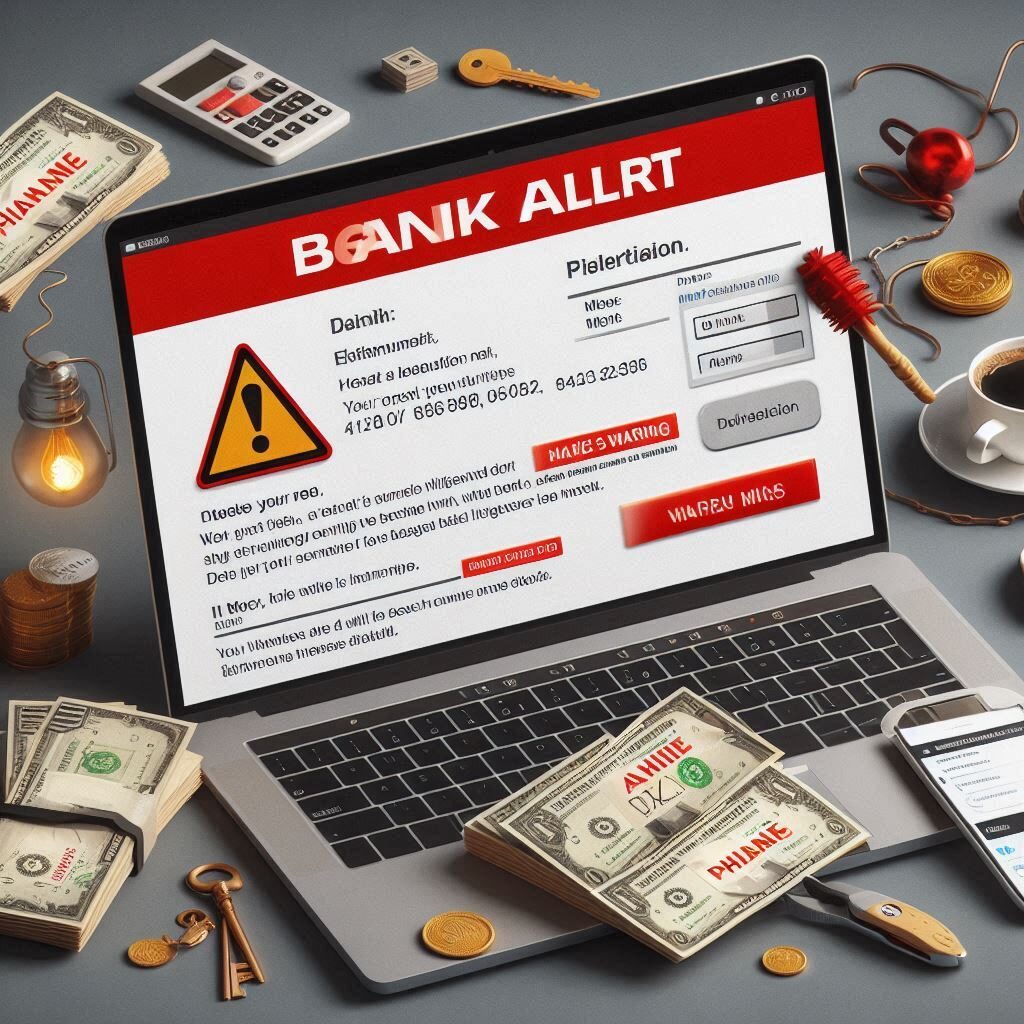
“URGENT: Your account has been locked due to suspicious activity. Click the link below to verify your identity immediately or risk permanent closure.”🔹 Where It Can Come From:
- Fake emails pretending to be from your bank.
- Fraudulent text messages claiming to be security alerts.
🔹 How to Identify It’s a Scam:
✔ The sender’s email address is slightly misspelled (e.g., support@bankofamerrica.com instead of support@bankofamerica.com).
✔ It creates a false sense of urgency to make you act without thinking.
✔ The link doesn’t lead to your actual bank’s official website—hover over it to check!🛑 What to Do: Never click the link. Instead, call your bank directly using the official number on their website.
Fake Tech Support Warning
🔹 Message Example:
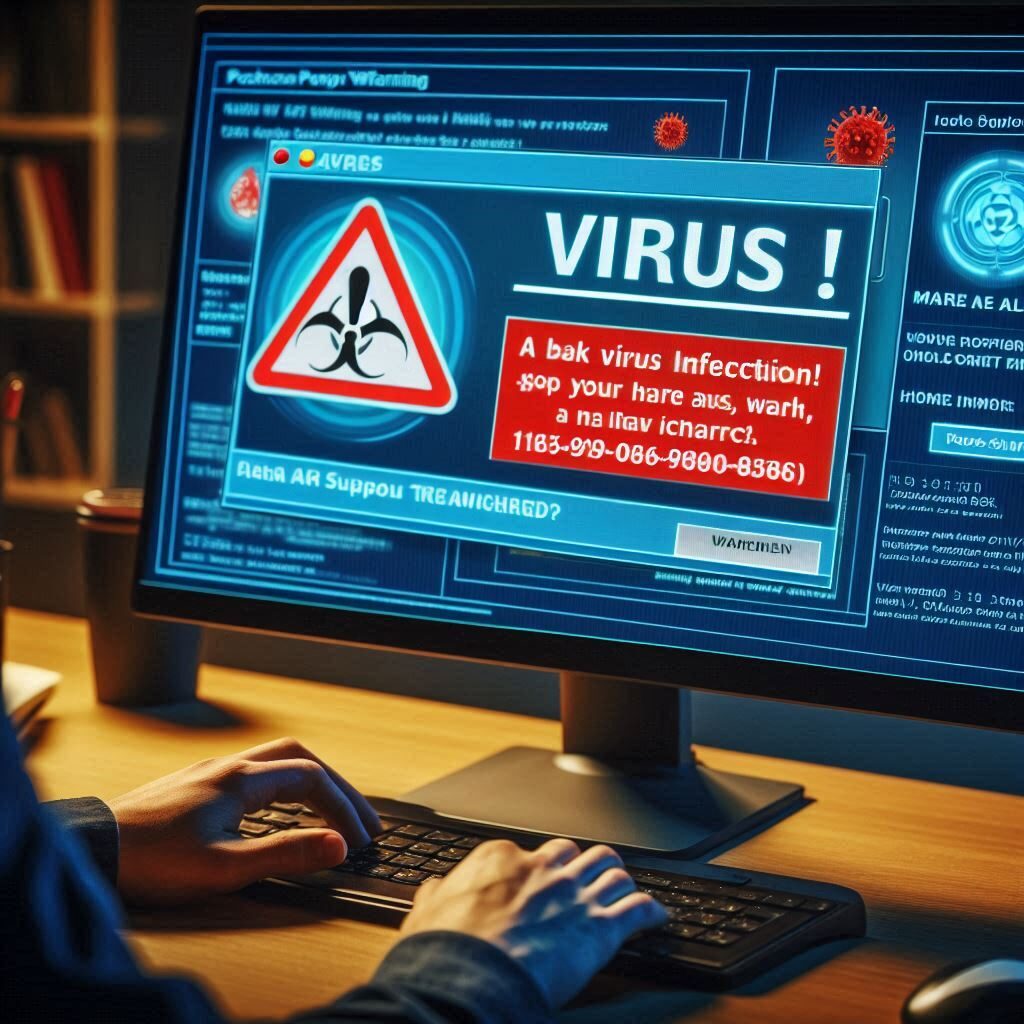
“Your computer has been infected with a dangerous virus! Call Microsoft Support at 1-800-123-4567 NOW to remove the malware before your files are lost!”🔹 Where It Can Come From:
- Pop-up ads that appear when browsing the web.
- Fake phone calls pretending to be Microsoft, Apple, or another tech company.
🔹 How to Identify It’s a Scam:
✔ Legitimate tech companies NEVER call you randomly or ask for payment to fix a problem.
✔ The message asks you to call an unknown number instead of guiding you to official support channels.
✔ The pop-up won’t close, making it seem urgent—but it’s fake!🛑 What to Do: Ignore the message, close the browser, and run a security scan on your device.
Medicare Scam Calls
🔹 Message Example:
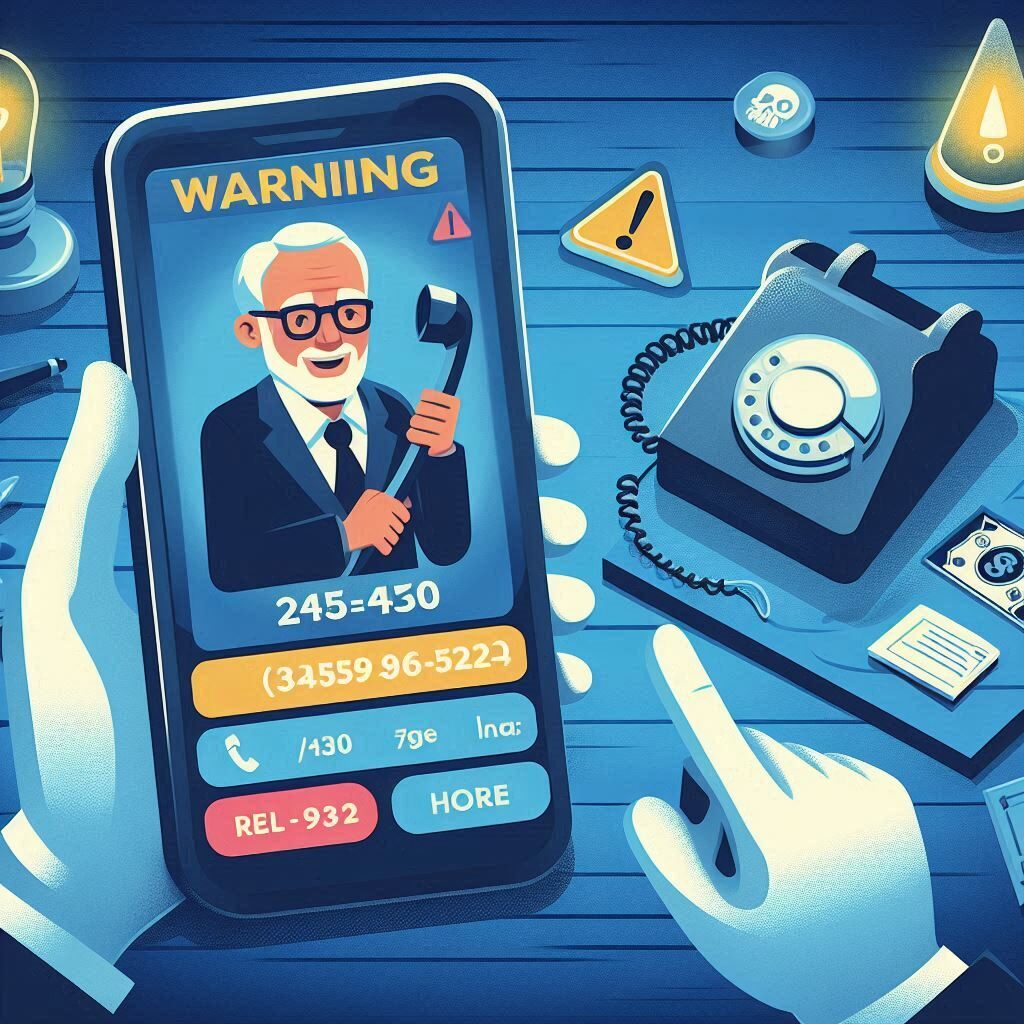
“This is Medicare. We’ve noticed unusual claims on your account. To fix this issue, confirm your Social Security number and payment details now.”🔹 Where It Can Come From:
- Scam phone calls pretending to be government agencies.
- Fake emails or text messages designed to steal personal information.
🔹 How to Identify It’s a Scam:
✔ Government agencies NEVER ask for personal details over the phone or email.
✔ Caller may demand payment for services that are usually free.
✔ They threaten loss of benefits if you don’t comply.🛑 What to Do: Hang up immediately. Contact Medicare directly at 1-800-MEDICARE to report suspicious activity.
Romance Scam
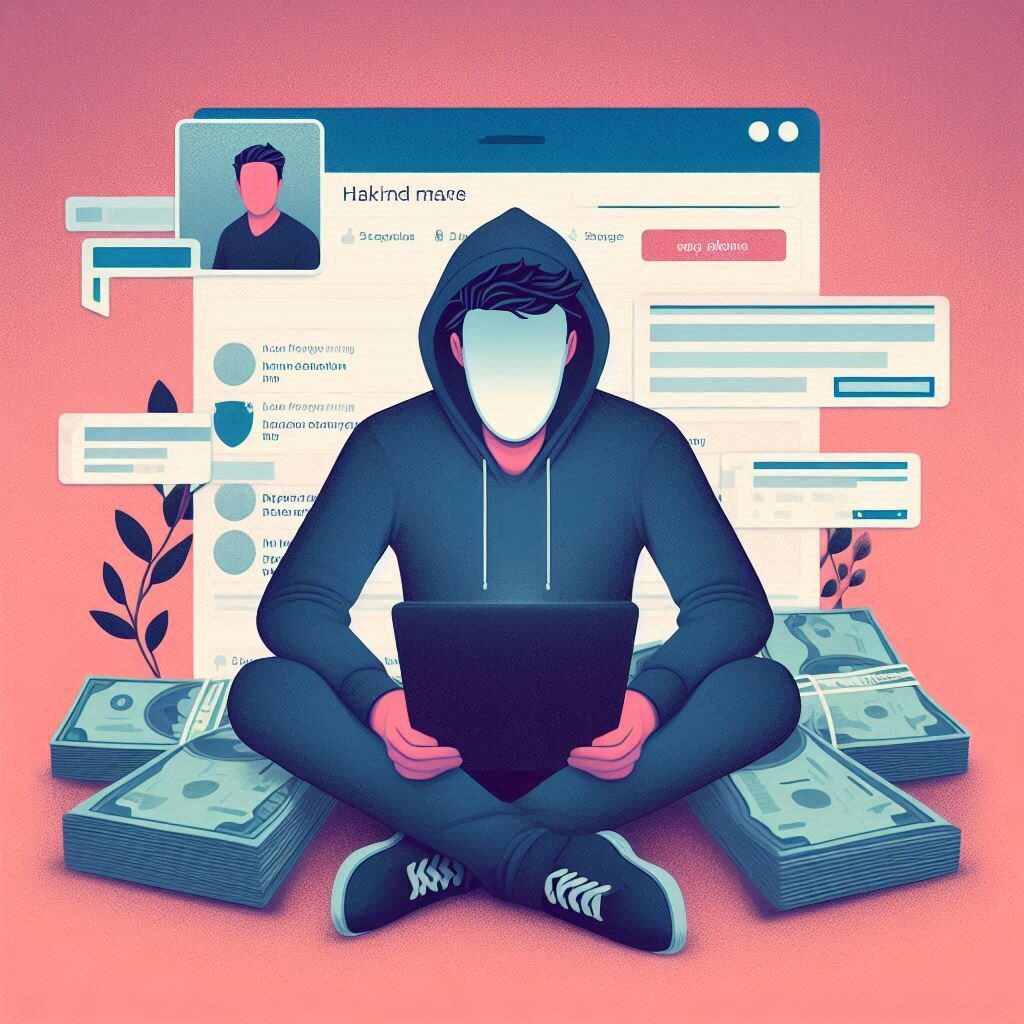
🔹 Message Example:
“I’ve never met anyone like you before. I want to visit, but I need help covering travel expenses. Can you send money so we can finally be together?”🔹 Where It Can Come From:
- Scammers posing as love interests on dating sites or social media.
- Long-distance relationships where the other person refuses to meet in real life.
🔹 How to Identify It’s a Scam:
✔ They ask for money despite never having met in person.
✔ Their social media profile looks new, has few friends, or only vague information.
✔ They make excuses when asked for a video call or in-person meeting.🛑 What to Do: Never send money. Reverse image search their profile picture—if it appears elsewhere under another name, it’s likely a scam.